
GrowWeedEasy.com
You are using an out of date browser. It may not display this or other websites correctly.
You should upgrade or use an alternative browser.
You should upgrade or use an alternative browser.
tricomes and kief
- Thread starter 9fingerleafs
- Start date


9fingerleafs
Well-known member
Wonderful pics. I think it is time to flush. It looks fairly ready and the trichomes have a couple more weeks to go. Still no amber at all
9fingerleafs
Well-known member
I grow in soil so I water with very very low ppm water (like RO) for the last few weeks. When a good flush is needed I go crazy with the amount of water but the soil keeps releasing nutrients and dissolving with the water and bacteria in the roots. Using coco you should use RO water and the plant should respond faster than with soil cause they're not anymore nutrients in the coco

growdc
New member
9fingerleafs Sorry to resurrect this thread. I was wondering if you have problems with the buttons on your microscope? My snap button doesn't work, and the software doesn't even have a shortcut to take a picture. So it's really difficult for me to snap a steady picture while having reach down to the laptop etc.... and who knows what that zoom button does cuz it doesn't seem to do anything either.
Just wondering if I got a defective model and should e-mail the guy or do is there something I'm missing???
Just wondering if I got a defective model and should e-mail the guy or do is there something I'm missing???
9fingerleafs
Well-known member
The buttons on mine don't work either and I haven't used the software it comes with. I click on my laptop to take a photo.

growdc
New member
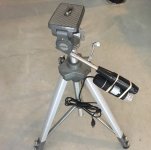
Currently, my only portable is a windows 10 laptop. I use the ampcam software and I'd have to go to the menu, capture, take picture. No short cut or anything. So it's so cumbersome trying to keep the damn microscope steady. I have a tripod, but I have no idea how to a fix it to it so it doesn't move. I've tried rubber bands and zip ties. Maybe some one can take a picture of how they stick it to their tripod also? I just e-mailed the ebay seller..... we'll see what he replies.
9fingerleafs
Well-known member
Just like aloner I use photo boot on mac. I don't even know what's in the CD that came with the microscope. I downloaded tons of programs to take pictures with and then compared size and definition and the photo boot is the best
growdc
New member
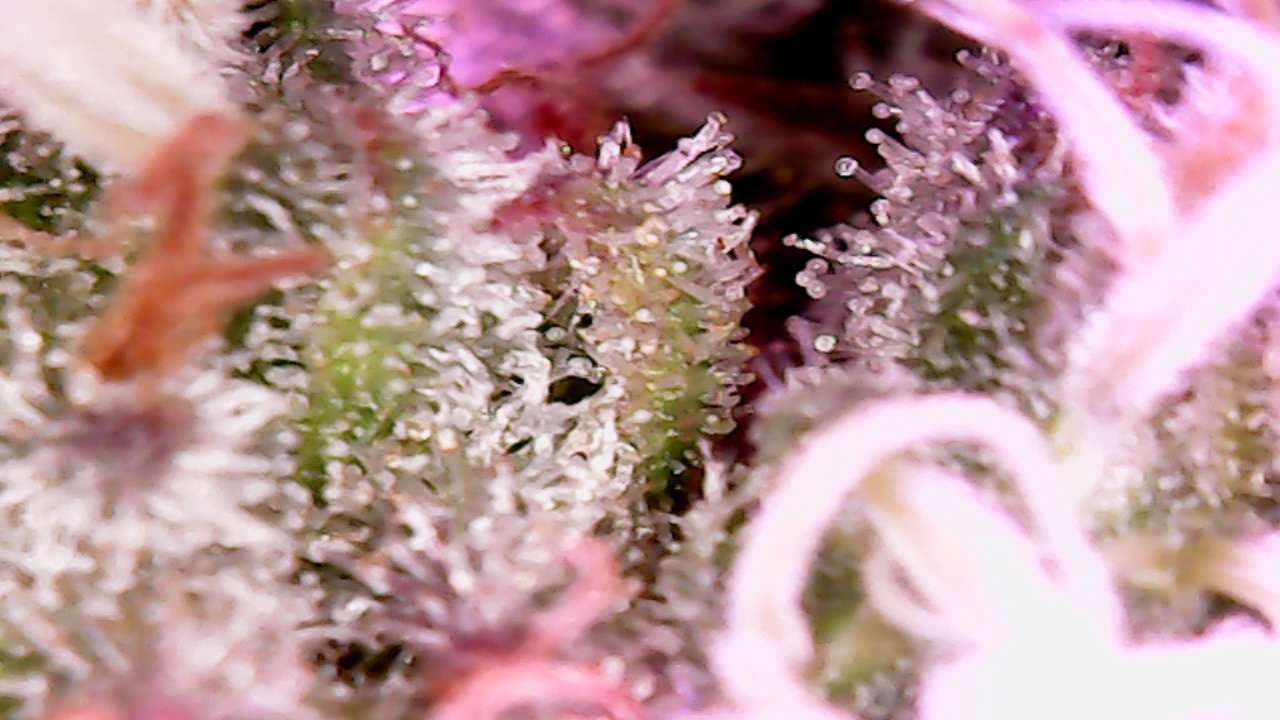
Thanks guys, I'll have to find a Windows program then. Since none of your snap buttons work, I can assume it's just there for show. LOL. Thanks again. One picture I took a week ago it seems totally ready for flushing, and this picture, same bud area, now looks not so ready. Not sure if it's because it's shaky and it makes it look cloudy. I hope I'm not flushing too early.
\
\
9fingerleafs
Well-known member
Hahaha nice. I need to try something like this
growdc
New member
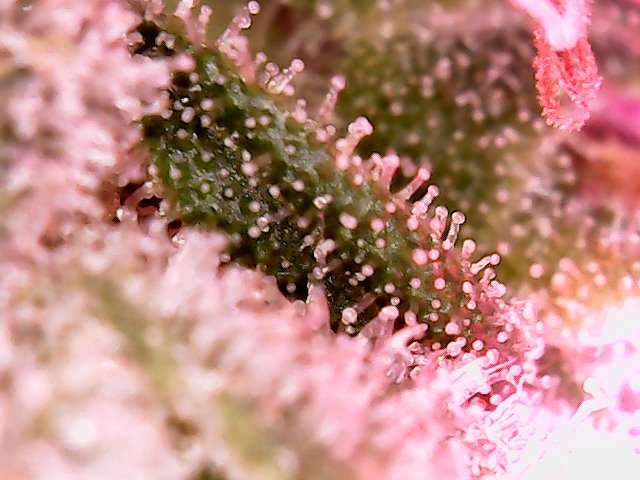
Hey all, got an update for you guys on the microscope. I e-mailed the seller on ebay and there is an additional driver that makes the snap and zoom buttons work. They e-mailed me the driver and as far as I can see it was only for Windows. So, might be worthwhile to e-mail the seller and see if they have a mac version. Though all the install wording are in chinese, but the snap does work.
Now I just got to figure out how to scroll the magnification smoother. Do you all find it too tight, like too sticky to fine tune?
Now I just got to figure out how to scroll the magnification smoother. Do you all find it too tight, like too sticky to fine tune?