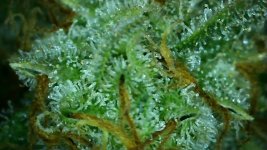
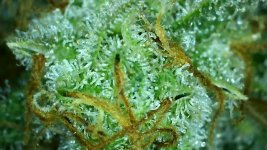
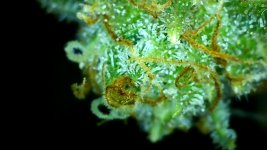
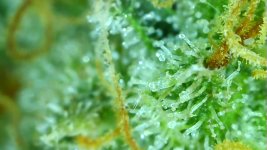
What's new
GrowWeedEasy.com
You're browsing as a guest. Sign up to join the conversation, share your grows, and get help from thousands of fellow growers — it's free and takes less than a minute.

Macro Photography - Who’s doing it?

MrPNW

New member
I’ve always wanted to do it. As a boy, microscopes showed me another world. Well with my first grow starting to show crystals on the leaves I finally bit the bullet and went for it.

Equipment
  1. iPhone 12 Pro (replaced iPhone 8)
  2. Camera+ 2 app
  3. Xenvo macro lens (company info)
  4. Kodiac shutter remote
  5. UBeesize telescoping tripod
  6. Shinewee tripod phone mount
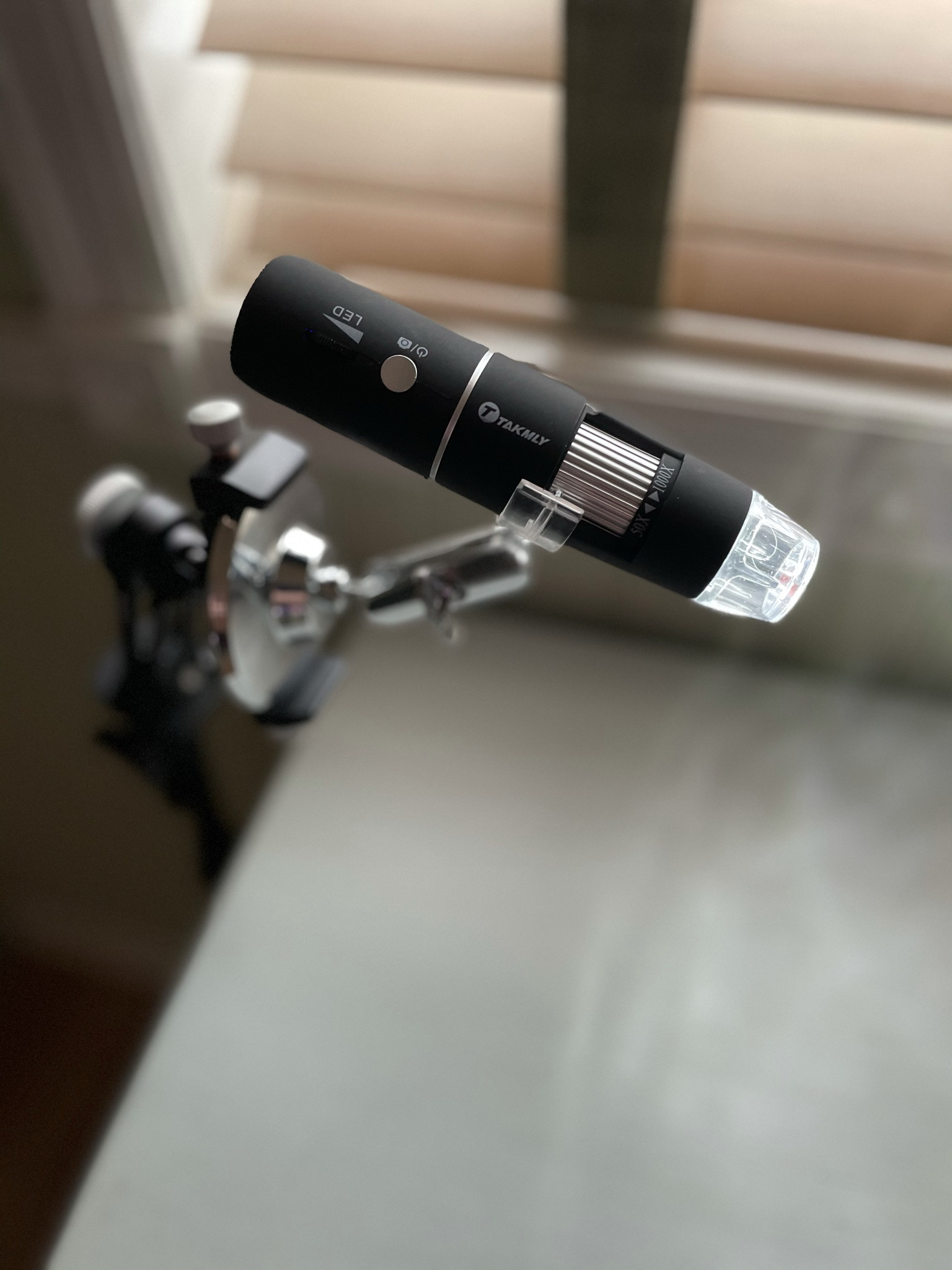
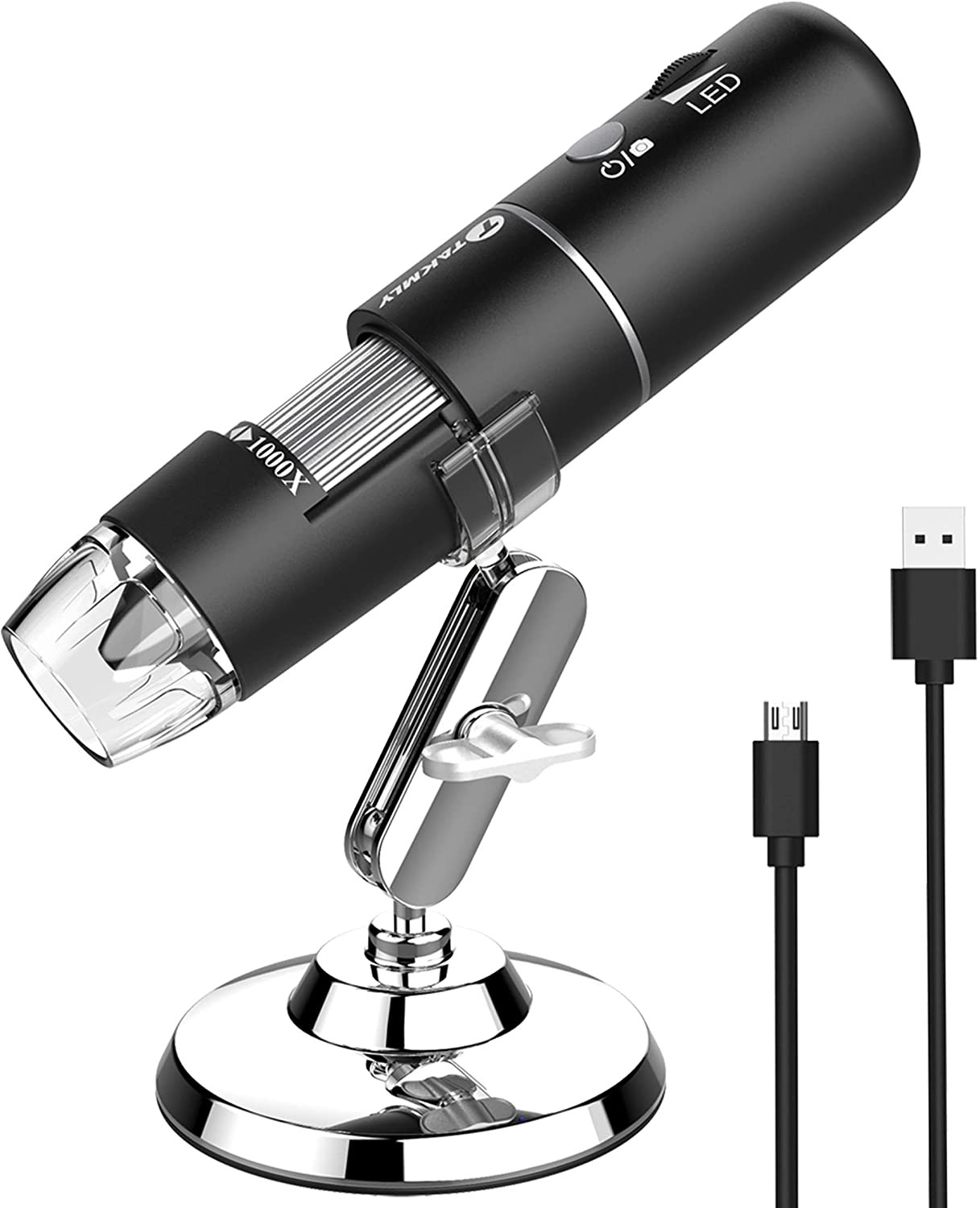
  7. Takmly 1000x Microscope (USB and WiFi to Max-See app)
These articles pointed me to the Camera+ 2 and Camera+ Legacy (older phones) apps.
How To Shoot Close-Up and Macro Photography With Your iPhone
TOP 10 BEST CAMERA APPS FOR IPHONE
iPhone Macro Photography Secrets – iPhone Landscape Mastery


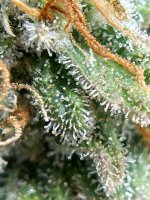
Using the iPhone 12 Pro and Camera+ 2 app only
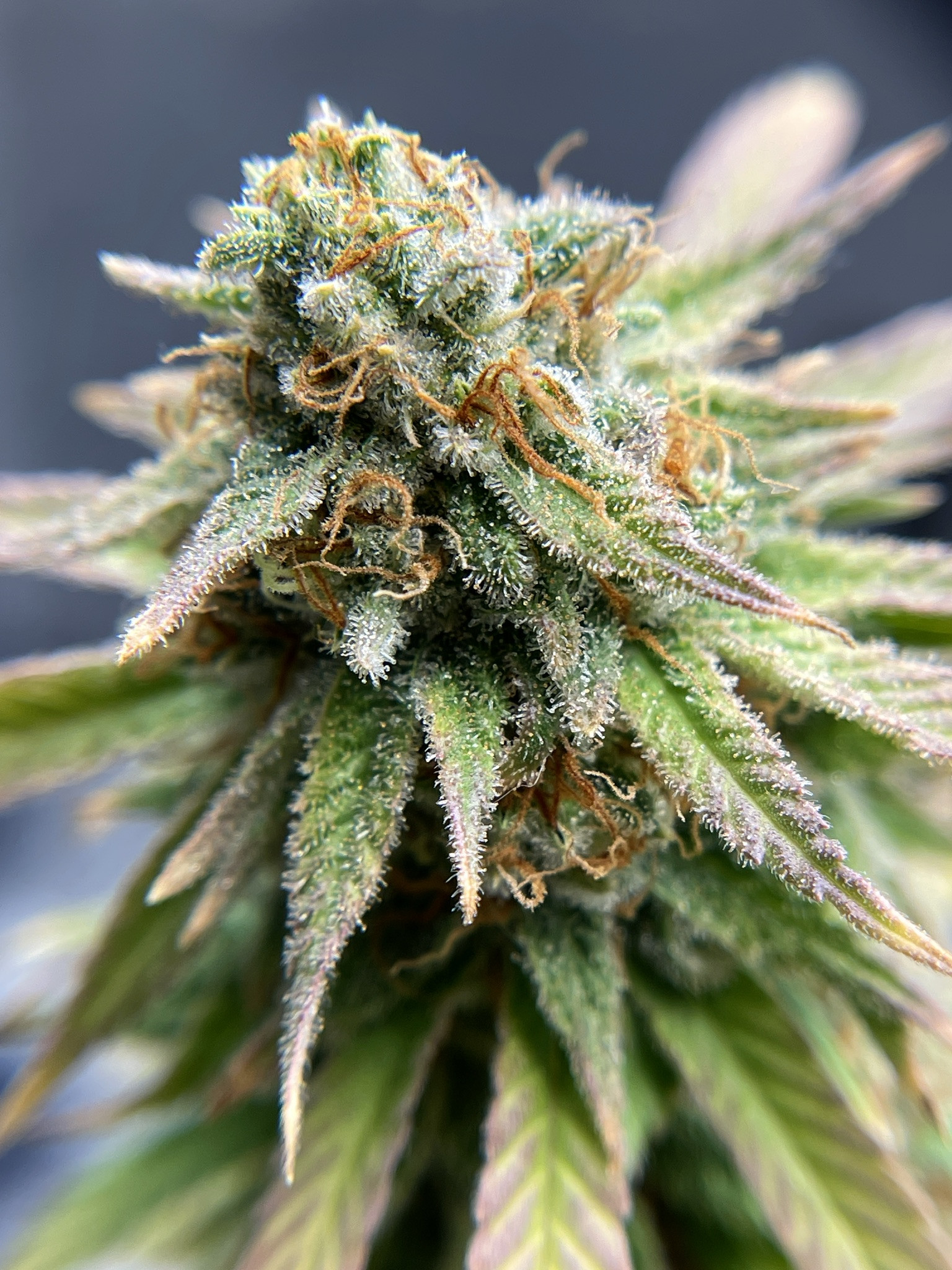
Click image for larger version  Name:	2133FF44-93FA-47BE-A337-775B20EDDDEF.jpeg Views:	0 Size:	842.6 KB ID:	494482

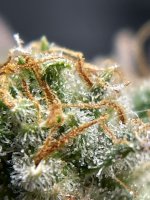
Using the iPhone 12 Pro, Xenvo 15x macro lens and Camera+ 2 app
Click image for larger version  Name:	2133FF44-93FA-47BE-A337-775B20EDDDEF.jpeg Views:	0 Size:	842.6 KB ID:	494482Click image for larger version  Name:	E63C80B4-FC71-406E-B18A-FA699FD63AE0.jpeg Views:	0 Size:	719.2 KB ID:	494485Click image for larger version  Name:	B58A2908-6E67-4FC5-AA55-9D49FB4D4152.jpeg Views:	0 Size:	625.2 KB ID:	494486

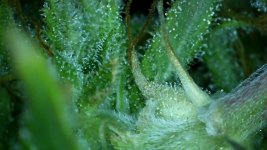
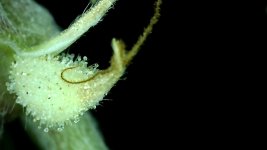
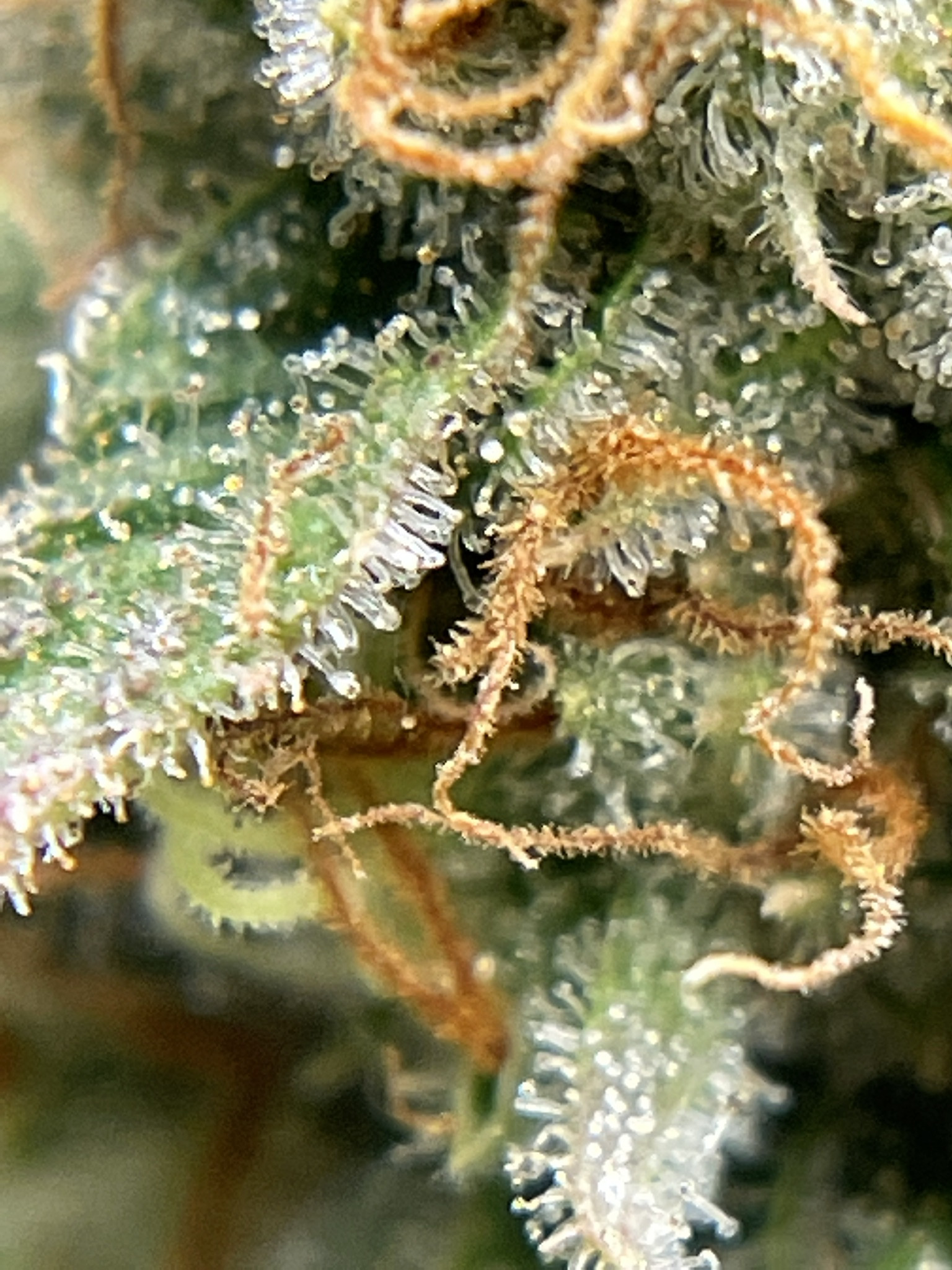
Using the Max-See Microscope with wifi to iPhone 12 Pro and Max-See app
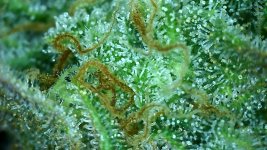
Click image for larger version  Name:	80DB52B6-FF5A-42F7-BDF5-8B432ED31941.jpeg Views:	0 Size:	515.0 KB ID:	494489Click image for larger version  Name:	6143FB51-430E-43E2-9A8E-D339DCFD6EC5.jpeg Views:	0 Size:	338.9 KB ID:	494487Click image for larger version  Name:	6143FB51-430E-43E2-9A8E-D339DCFD6EC5.jpeg Views:	0 Size:	338.9 KB ID:	494487Click image for larger version  Name:	9CF309E2-E90F-443E-8614-4E898601AF58.jpeg Views:	0 Size:	393.2 KB ID:	494490Click image for larger version  Name:	9CF309E2-E90F-443E-8614-4E898601AF58.jpeg Views:	0 Size:	393.2 KB ID:	494490Click image for larger version  Name:	9CF309E2-E90F-443E-8614-4E898601AF58.jpeg Views:	0 Size:	393.2 KB ID:	494490Click image for larger version  Name:	9CF309E2-E90F-443E-8614-4E898601AF58.jpeg Views:	0 Size:	393.2 KB ID:	494490Click image for larger version  Name:	9CF309E2-E90F-443E-8614-4E898601AF58.jpeg Views:	0 Size:	393.2 KB ID:	494490

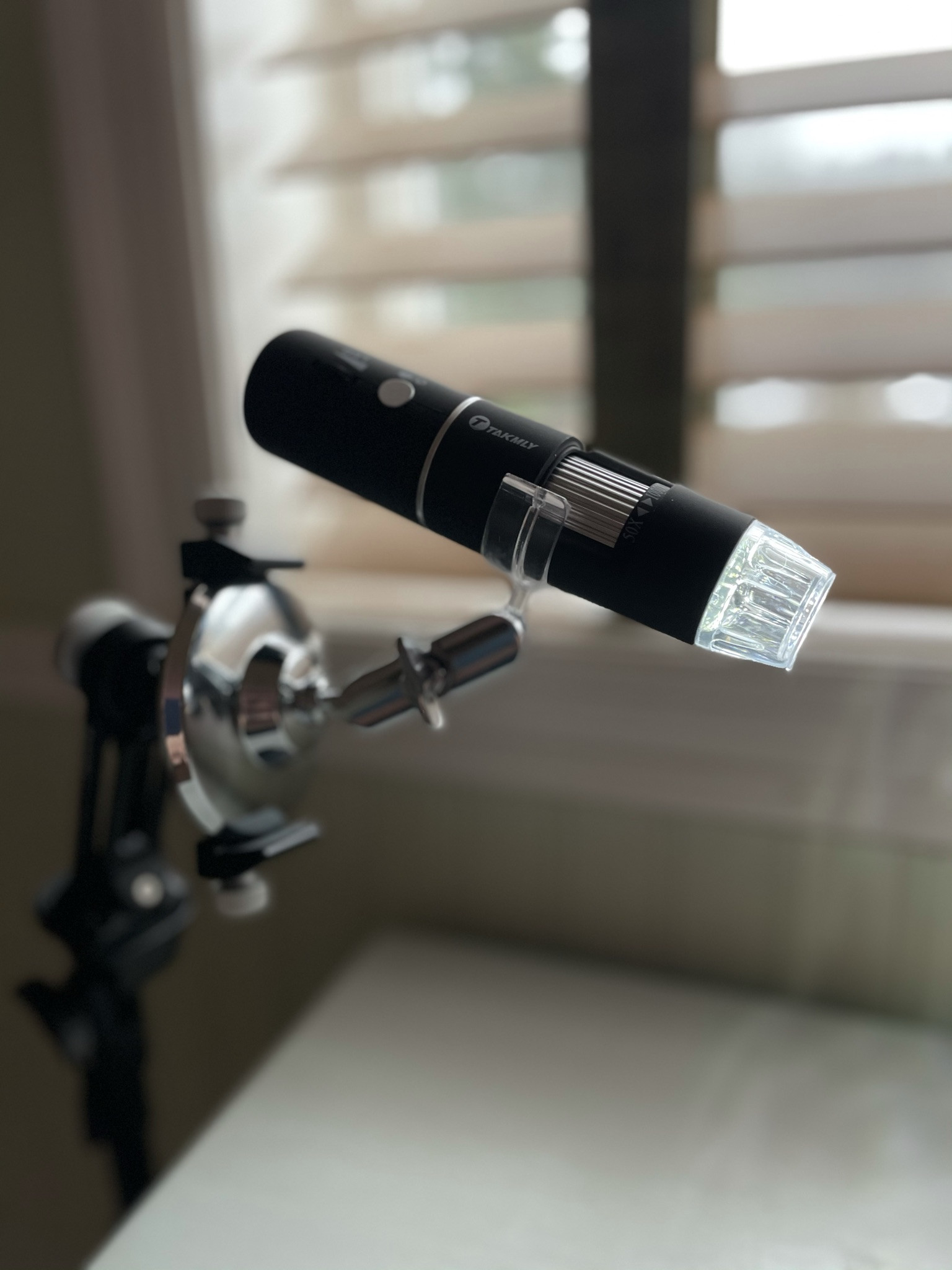
The microscope’s silver base fits snug in the above listed phone holder and tripod.
Note: AFTER taking these shots of the microscope on the tripod, I found that the clear clamp would also fit into the silver line groove further back on the scope’s body. I prefer that position since the clamp would no longer get in the way of the focus dial. Any buttons it does cover are already turned on (power) prior to putting it into the clamp so that’s not an issue. Another benefit to this position is you can get the scope further into the plant without hitting the clamp.
Caution: Just be aware the silver groove is much shallower then the one it’s supposed to fit into, so make sure it’s in there right and try not to be bumping it loose or out of the clamp. If your rather clumsy you might secure it further.
Click image for larger version  Name:	2133FF44-93FA-47BE-A337-775B20EDDDEF.jpeg Views:	0 Size:	842.6 KB ID:	494482Click image for larger version  Name:	2133FF44-93FA-47BE-A337-775B20EDDDEF.jpeg Views:	0 Size:	842.6 KB ID:	494482Click image for larger version  Name:	2133FF44-93FA-47BE-A337-775B20EDDDEF.jpeg Views:	0 Size:	842.6 KB ID:	494482
 
Last edited:
Here’s a couple comparing just the two apps on my iPhone 8.

Not macro.
This is just to show the size of this metal container.
No overhead lighting, just a small bulb table lamp on the other side of the room.

55061654-7209-429A-B9A1-90E913C4E977.jpeg
0E8DCB5E-8DB0-48A1-8122-AA1CDC7801CB.jpeg


This was the best I could get using the stock app, two finger spread and it kept going in and out of focus as I held it as close as I could get.

87B3981C-3A87-4E00-B2CB-7F7930C29586.jpeg


These 2 were using the new Camera+ 2 app under the low light and directly under a table lamp.
Obviously with macro, light it key, but I always like to see how a camera handles the low like.

2B759428-2CBD-4B7B-9283-2A74283B093C.jpeg

BD48A4A7-2862-4D42-8C90-A38579229BD3.jpeg


Now off to visit the girls.
 
I've had these phone attachment kits for several years, just finally used the macro a couple of months ago. I have a tripod w/remote shutter, long selfie stick, and a solar phone charger, all from freebies/entering sweepstakes. When I was too shaky I set my phone w/lens on top of something above the subject/object. I have an old Samsung Galaxy s/7, wishing I could get something newer.
 
Good stuff. I have a macro lens for my Canon camera but I don't have anything for the phone yet. I really have been impressed with the quality of the recent options for phone photography. The resolution is good now but the one advantage of using the Canon is the size of the original image. It is huge, so it can be shrunk to normal use size and keep a super clear resolution for maximum detail.

My latest thing is trying to get better macro shots through the use of backgrounds and lighting. Its all a learning process. I enjoy it.

Thank you for the links and info, very handy :)
 
Tabletop light boxes are very useful. Back in the late 90s my wife sold hand painted glassware. She designated me the photographer and man was glass hard to shoot! I constructed a large removable frame onto a 4x4 folding card table for portability. The frame held interchangeable rolls of different colored paper. The roll started at the top back and swooped down to the front bottom created a “no line” look at the back of the subject. The top and sides had shear white fabric that defused the lighting placed around the frame. In the end it worked great. Nowadays the internet shows all kinds of these.
The key is to have a background color that contrasts the subject. It doesn’t always need to be black or white.

Google/Images - table top photo booth
 
Dang this thing is HUGE!

Its so cold all 4 sides of the lenses have fogged up so I’ll let them warm up before use. The tripod and remote are still supposed to show today.
Just the lenses (two halves), two covers, case and clip came in this box. The lenses looks just like one for a real camera. It’s a two parter.

DE416FED-C36C-443F-B6B1-DF91B184DE0A.jpeg
 
I’ve got a SharePoint class to teach the next two days and have been nonstop preparing for that. Don’t they know I have weed to shoot?!?
 
RagWeedDWC, Aren't those pics amazing; surfin through the trichome fields!

JoeCrow has the full kit: Dark Field, Phase Contrast, Tri-ocular so he can look at the image and capture it at the same time. Awesome gear.

If you scroll to the top of the thread he provides some background on his project.

-Grouchy
 
iPhone 8 Test

Couple of down and dirty photos using my iPhone 8 with the new all metal phone holder, which is a nice little piece of gear for the money. Just got a message my 12 pro has shipped.

Pretty amazing considering thats one of those really fine fabric towels used to clean camera lenses.

iPhone 8 using stock Camera app.

Click image for larger version  Name:	B032F98E-531E-4B97-A6EB-2026F3FBB0FB.jpeg Views:	0 Size:	1.96 MB ID:	485855Click image for larger version  Name:	B032F98E-531E-4B97-A6EB-2026F3FBB0FB.jpeg Views:	0 Size:	1.96 MB ID:	485855

With the lenses and Camera+2 app (must have turned on the date stamp in the new app, (I kind of like it.)

Click image for larger version  Name:	ADAD721D-937C-415B-B61B-B8A2FB4D0E69.jpeg Views:	0 Size:	725.7 KB ID:	485857Click image for larger version  Name:	ADAD721D-937C-415B-B61B-B8A2FB4D0E69.jpeg Views:	0 Size:	725.7 KB ID:	485857

iPhone 8 using stock Camera app.

Click image for larger version  Name:	E58B0C8B-072C-47D9-BA81-97DE3C465B92.jpeg Views:	0 Size:	1.74 MB ID:	485859Click image for larger version  Name:	E58B0C8B-072C-47D9-BA81-97DE3C465B92.jpeg Views:	0 Size:	1.74 MB ID:	485859

With the lenses and Camera+2 app

Click image for larger version  Name:	5C826F02-0447-4EE3-BC7D-EC002F10DF20.jpeg Views:	0 Size:	1.20 MB ID:	485861Click image for larger version  Name:	5C826F02-0447-4EE3-BC7D-EC002F10DF20.jpeg Views:	0 Size:	1.20 MB ID:	485861

I can’t wait to try the new app and hardware with the new phone.
 
Last edited:
iPhone 12 Pro (w/o tripod or lense)

I just got my new phone installed from a backup and its taken quite a while to load everything. I haven’t had a chance to use it with the tripod and lenses but I did snap these today using just the Camera+2 app in both Macro and standard settings. Man this phone takes some pretty photos. The wide angle is sweet. I usually have get up against a corner to get all 3 plants in the shot or even from outside the tent lately with all the new growth.
I’m hoping tomorrow to do some tru macro photography.

The SF4000 was turned down to 30%. The colors are spot on. I switch between macro, zoom, and a few other app setting just to see what they do.
it really handles shaky hands well. I kept seeing a stabilizer message pop up when trying to take shots.

Click image for larger version  Name:	87920343-CC0D-489D-9A0E-6643796C9167.jpeg Views:	0 Size:	724.2 KB ID:	486514Click image for larger version  Name:	87920343-CC0D-489D-9A0E-6643796C9167.jpeg Views:	0 Size:	724.2 KB ID:	486514Click image for larger version  Name:	AB04F482-6B9D-4E74-A0E1-C4BF849EB0FA.jpeg Views:	0 Size:	643.5 KB ID:	486515Click image for larger version  Name:	B60AD9F0-F4FB-4D41-900C-2C7F2E540848.jpeg Views:	0 Size:	1.26 MB ID:	486516Click image for larger version  Name:	AD573B5D-1160-4080-B441-580D5855409B.jpeg Views:	0 Size:	700.0 KB ID:	486517Click image for larger version  Name:	5C76C99F-178C-4A4B-BC51-D86316C28805.jpeg Views:	0 Size:	1.25 MB ID:	486518Click image for larger version  Name:	ED1B0DB1-2838-48EA-8099-9290A809225A.jpeg Views:	0 Size:	1.32 MB ID:	486519

I love this shot.

Click image for larger version  Name:	ED1B0DB1-2838-48EA-8099-9290A809225A.jpeg Views:	0 Size:	1.32 MB ID:	486519
 
Last edited:
Back
Top